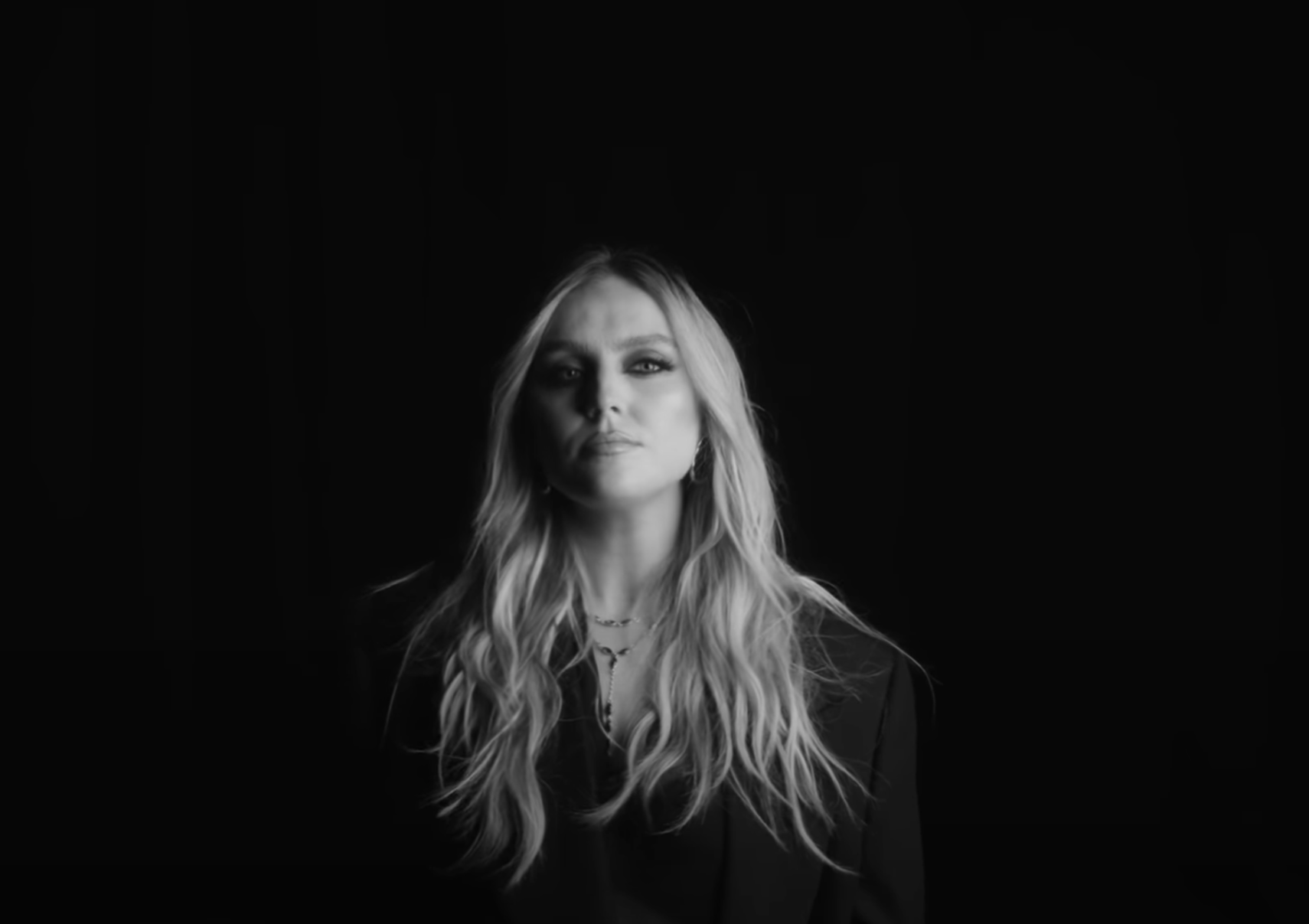


Music videos now move between performance, styling, choreography, graphics and brief narrative moments with increasing speed. A single version may need to function as a full video, a teaser, a vertical edit and a social clip. In that kind of visual environment, sound effects, especially subtle hisses, help the movement feel smoother without competing with the song itself. The effects support the editing, give shape to visual movements and give important moments more polish. It should never feel like a second track fighting against the artist’s music. Instead, it helps the viewer follow changes in scene, tempo and visual style while keeping the song front and center.
Editing between scenes without interrupting the track
Many music videos quickly cut between locations, clothing, camera angles and performance settings. Without audio support, these changes can feel abrupt even when the images look strong. A small transition sound can make a camera whip, location change, or typography reveal feel more connected to the movement on screen.
This is where the whooshes sound effects come in handy. A light hiss can accompany a fast camera movement, while a softer sweep can suit a slow model-led transition. The point is not to add sound to every clip. It is to support the edits that change the visual direction of the video.
Sound design can support visual effects
Modern music videos often contain animated lyrics, digital overlays, visual glitches, title cards, and art effects. These elements may look polished, but they can feel disconnected if displayed without audio detail. Small motion cues help graphic elements feel like part of the same visual world as the performance film.
A lyrical line might come with a clean accent, while a digital distortion might use a brief electronic texture. Animated artwork can use a smoother transition sound to separate one visual idea from the next. This works especially well in lyric videos, where typography carries much of the visual energy while the track remains the main focus.
Bigger visual moments require controlled weight
Some scenes need more than one transition signal. The first full reveal of an artist, a dramatic lighting change, a wide performance shot or a final title frame may need extra depth to feel complete. In these moments, boom sounds add weight to the music without changing its character.
The key is control. A boom should support the visual moment rather than overwhelm the mix. Artist teasers, album trailers, and performance films often use this approach during larger shot changes or closing frames. If used sparingly, a low sound can make a visual feel bigger while leaving the vocals, beat and melody untouched.
Different artists need different sound styles
There is no single sound design style that suits every artist. A glossy pop video can support clean sweeps, polished transitions and bright motion cues. A darker electronic image can work better with synthetic movements, heavier transitions and deeper low-end moments. A stripped down acoustic video usually needs lighter details that preserve the intimacy.
Genre, styling and pace of editing should guide sound choices. A choreographed video can use sharper motion cues that follow body movements and camera cuts. A model-led image may need smoother, more fluid transitions. Matching the sound design to the artist’s visual identity creates a more natural result than applying the same effects to each production.
Social edits need a tighter approach
A music release rarely exists as a video. Artists now publish teasers, countdown posts, behind-the-scenes clips, streaming announcements, vertical edits, and promo reels. Each format needs a slightly different sound treatment because each is viewed in different contexts.
A short teaser may need immediate movement and a clear closing accent. A behind-the-scenes clip can keep more natural camera sound to feel authentic. A vertical announcement can use clean blurbs around artwork, release dates, or short text reveals. The audio should help the format do its job rather than making every asset feel like a miniature trailer.
The sound must protect the song
The final review of a music video should always start with the track. Production audio is there to support the visuals, not to compete with the artist’s work. If transitions become too frequent or boom sounds mask the vocals, the edit can feel more designed but less musical.
A stronger approach is to keep only the sounds that clarify movement, reinforce big visual moments, or help campaign assets feel more finished. When hisses, thumps, and minor accents are used purposefully, they make music videos feel more cinematic while keeping the artist and song front and center.